As an Amazon Associate, we earn from qualifying purchases. Some links on this site are affiliate links at no extra cost to you. Our recommendations are based on thorough research and editorial judgment.


How Extreme Temperatures in Shipping Affect Smart Vacuum Battery Lifespans

During shipping, your smart vacuum’s lithium-ion battery faces serious stress from temperature extremes. Temperatures exceeding 40°C accelerate chemical breakdown, potentially causing 20-30% lifespan loss in summer shipments. Conversely, freezing conditions slow chemical reactions, reducing voltage delivery and runtime efficiency. Poor insulation in standard packaging exacerbates this damage. You can identify degradation by testing runtime against manufacturer specs and noting longer charging times. Document everything immediately upon arrival to strengthen warranty claims within 30 days. Understanding protective shipping options and proper post-delivery storage greatly preserves battery performance and longevity.
Key Takeaways
- Extreme temperature swings during shipping stress lithium-ion chemistry, causing permanent capacity loss and reduced battery lifespan.
- Summer shipments can result in 20-30% battery lifespan loss due to temperatures exceeding 40°C in containers.
- Ideal storage temperature of 5-40°C prevents chemical breakdown; temperatures above this accelerate deterioration significantly.
- Poor insulation in shipping boxes exacerbates temperature exposure, while temperature-controlled shipping better preserves battery integrity.
- Winter shipments offer superior battery preservation compared to summer shipping due to lower ambient temperatures.
Why Do Smart Vacuum Batteries Degrade During Shipping?
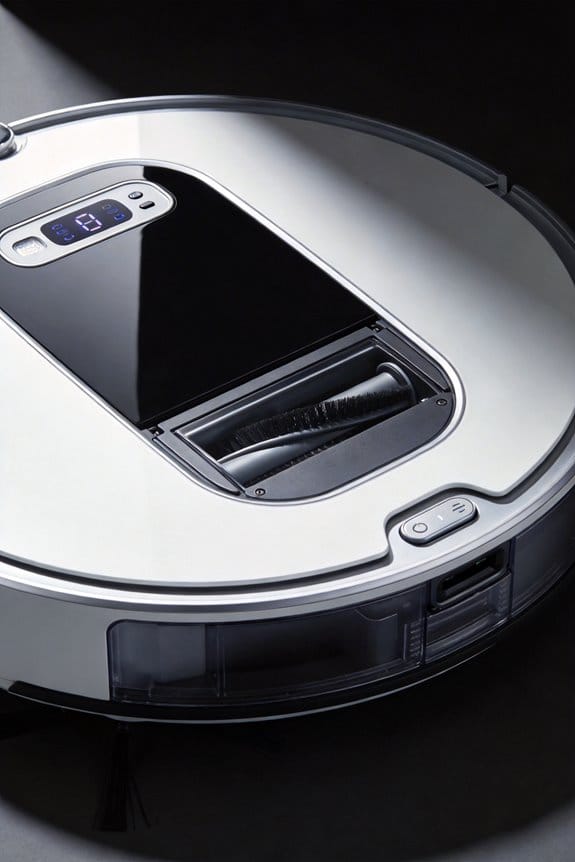
Why Do Smart Vacuum Batteries Degrade During Shipping?
Your new vacuum arrives at your door, and you’re excited to fire it up. Then you notice it barely runs for half the promised time. Frustrating, right? There’s actually a solid reason this happens, and it all goes back to what your battery endures during shipping.
You may be interested



Smart vacuum batteries take a real beating in transit. Temperature swings—sometimes jumping from 50°C in cargo holds down to freezing—put serious stress on the battery’s chemistry. Your lithium-ion cells aren’t designed for that kind of temperature shock. When things get too hot or too cold outside the ideal 5-40°C range, chemical breakdown happens faster than it normally would, and that means capacity loss before you even open the box.
Here’s the thing that makes it worse: most shipping boxes don’t have good insulation. So your battery’s exposed to all those temperature extremes with nothing to protect it. Add vibration into the mix—from trucks bouncing around, planes turbulence, and conveyor belts—and the electrolyte inside the cells gets destabilized. That’s a one-two punch your battery didn’t need.
So, why does this matter? Because it directly affects your vacuum’s performance from day one. The storage charge level and how well (or poorly) the battery stays cool during transit determine how much runtime you’ll actually get. If your new vacuum underperforms right out of the box, shipping damage is probably the culprit.
The takeaway: recognize that “new” doesn’t always mean “fresh.” Your device’s lifespan and initial performance have already been affected by the journey it took to reach you.
What Happens When Batteries Overheat in Transit?
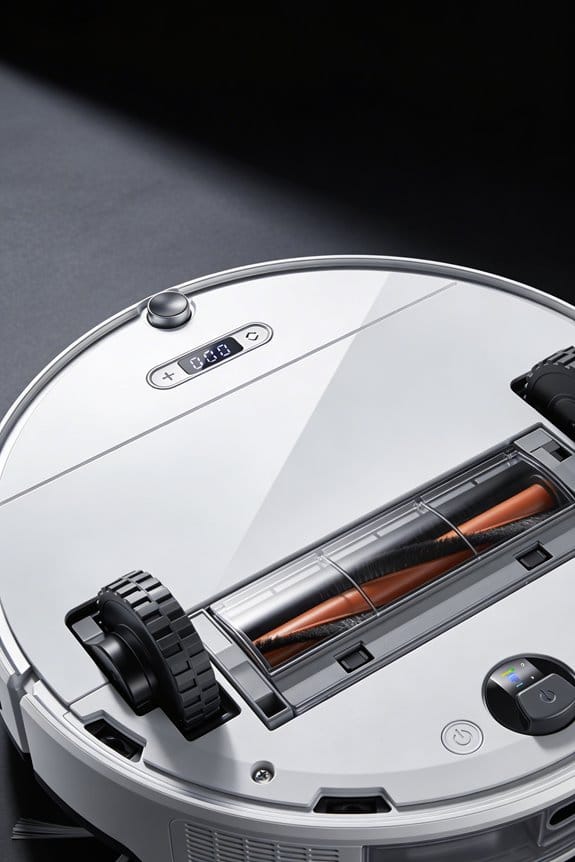
Ever opened a package and immediately noticed your new smart vacuum isn’t working quite right? You might have a battery that got cooked during shipping, and honestly, it’s more common than you’d think.
Here’s what actually happens: when your battery spends hours baking in a hot cargo hold or delivery truck, the chemicals inside start breaking down. Once temperatures climb above 40°C, this deterioration kicks into overdrive. The damage is permanent too—you can’t fix it with a few charging cycles.
So, why does this matter? Because that capacity loss shows up immediately. Your vacuum runs shorter, even when fully charged. The heat destabilizes the lithium compounds at a molecular level, and the internal cell structure gets damaged in ways you can’t reverse.
The tricky part is that most people don’t think about shipping conditions. You’re focused on whether the product arrived intact, but the real damage might be invisible until you start using it.
Try this: if you’re ordering batteries or devices with batteries, ask sellers about their shipping method. Temperature-controlled transit costs more, but it protects what you’re paying for. If you’re selling products with batteries, invest in proper packaging that keeps things cool.
The bottom line? Take shipping conditions seriously. It’s one of the easiest ways to prevent your battery from dying prematurely, and it’s something you can actually control when you know what to look for.
How Do Cold Temperatures Damage Battery Performance?
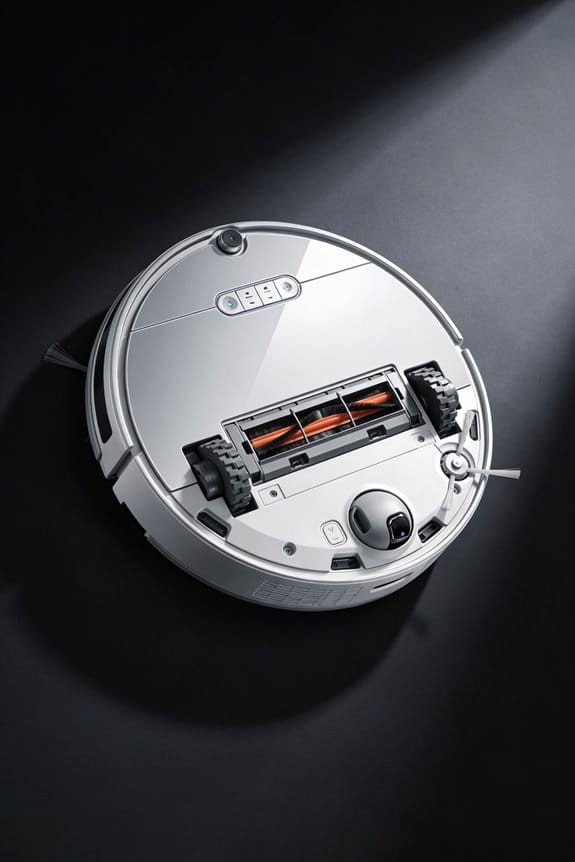
How Do Cold Temperatures Damage Battery Performance?
So your smart vacuum dies faster in winter, even though the battery shows a full charge. That’s not your imagination—it’s actually your battery struggling in the cold.
Here’s what happens: lithium-ion batteries just don’t work well when temperatures drop below 20°C. The chemical reactions that power your vacuum slow way down, which means less voltage gets delivered to the motor. You’ll notice the runtime drops noticeably, sometimes cutting your cleaning time in half. In freezing conditions, things get even worse—the performance hit becomes pretty severe.
Why does this matter? Because you might think your battery’s dead when it’s really just cold. The power output is there, but your vacuum can’t access it efficiently at that moment.
The silver lining? Cold storage actually helps your battery live longer. Lower temperatures slow down self-discharge, so if you’re storing your vacuum over winter, the cold works in your favor by extending shelf life.
Before you use your vacuum outside or in an unheated space, try this: let the battery warm up to around 20-40°C first. Even 15-20 minutes indoors makes a real difference. Once it reaches that ideal temperature range, the voltage delivery normalizes and your vacuum runs at full capacity again.
Honestly, this simple step prevents a lot of frustration. Does it seem worth the wait to get your vacuum running properly?
How Do You Identify a Degraded Battery After Delivery?
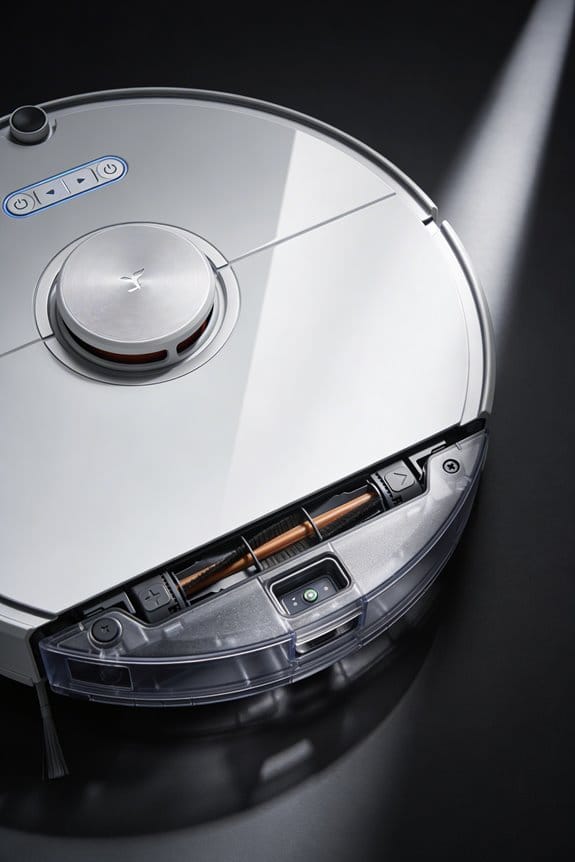
So you just unboxed your new smart vacuum, charged it up, and hit the floors—but it’s already running out of juice way faster than the box promised. That’s frustrating, and honestly, it often points to battery damage that happened during shipping.
The first thing to check is your vacuum’s battery display. Look at what percentage it’s showing, either on the unit itself or in the app. If you’re getting noticeably shorter cleaning sessions even after a full charge, that’s a red flag. The battery has likely lost capacity because of heat or cold exposure in transit, and that chemical damage doesn’t fix itself.
Compare what you’re actually getting to what the manual says. If the specs claim 90 minutes but you’re scraping by with 50 minutes, something went wrong. Temperature swings during delivery are the usual culprit—batteries don’t handle extreme heat or freezing well.
Now look at charging time. Frankly, this is one of the easiest ways to spot a degraded battery. Pull out your phone and time how long it takes to go from empty to full. If you’re waiting 4–6 hours instead of the normal 2–3 hours, that’s internal resistance buildup from thermal stress. The battery’s working harder to accept a charge, which is a sign of wear.
Another telltale sign? The vacuum getting noticeably hot during regular cleaning. That heat generation usually means the battery is unstable from temperature damage.
Here’s what to do next: Write down these observations with specific numbers—actual runtime, charging time, temperatures if you noticed anything unusual. Contact your retailer with this data and ask about warranty coverage or a replacement. Most retailers will help you out if you catch the problem early.
Is your vacuum still within the return window? That’s your best window for action.
Test Capacity and File a Warranty Claim Immediately
Test Capacity and File a Warranty Claim Immediately
Your new vacuum just arrived, and you’re excited to use it. But before you do, here’s something most people skip: actually testing whether the battery performs like the company promised.
Charge it fully and run it until the battery dies. Time how long it actually lasts in minutes. Compare that number to what the manual says. If you’re getting 10-15% less runtime than advertised, that’s a real problem—and honestly, that gap only gets worse over time.
Why does this matter? A weak battery now means you’re stuck with a vacuum that quits halfway through your house in six months. Catching it early is your best shot at fixing it.
Take photos while you’re testing. Snap pics of the packaging when it arrived, check for any damage, and if temperature strips were included in the box, photograph those too. Write down the date you received it and what the weather was like. These details sound boring, but manufacturers actually care about them when reviewing claims.
Most companies will replace a vacuum with battery issues if you reach out within 30 days of delivery. After that window closes, they get a lot more hesitant. So don’t sit on this—contact them the moment your test shows a real shortfall.
Keep everything: your receipt, your test notes, the original packaging if possible. The faster you move, the easier they make the replacement process. Once you hit day 45 or 60, suddenly you’re in a gray area where they might push back.
The bottom line? Test it now, document it all, and file your claim before that 30-day window slams shut. It takes an afternoon, and it could save you from being stuck with a dud.
Why Summer Shipping Destroys Batteries Faster Than Winter
Why Summer Shipping Destroys Batteries Faster Than Winter
Got a smart vacuum on order? Timing matters more than you’d think—especially when it comes to how that battery survives the journey to your door.
Inside a shipping container during summer, temperatures climb above 40°C. That heat triggers chemical reactions inside lithium batteries that winter shipments just don’t have to deal with. Your battery starts degrading the moment it enters that hot environment, and the damage compounds throughout transit.
Temperature swings make things worse. Your package goes from a scorching warehouse to a truck, maybe sits on a loading dock, then gets shoved into another vehicle. These fluctuations stress the internal chemistry in ways a steady, cool environment never would. Lithium cells hate instability, and summer shipping delivers exactly that.
Here’s what really gets me: by the time your vacuum arrives at your door, the battery’s already lost 20-30% of its lifespan compared to winter delivery. You haven’t even plugged it in yet, and you’re already working with a weaker battery. That’s not just inconvenient—it cuts into how long your new device actually lasts.
So, why does this matter for you? Because the fix is actually simple:
Try this: If you’re ordering a battery-powered device in June, July, or August, ask about cold-chain packaging. It costs a bit extra, but it keeps temperatures down during transit. Better yet, if your purchase can wait, order in fall or winter when shipping conditions naturally protect your battery.
The battery inside your vacuum deserves better than a hot trip across the country. Plan ahead, and you’ll keep it running strong for years.
Protect Your Battery During Shipping: Pre-Delivery Steps
Protect Your Battery During Shipping: Pre-Delivery Steps
Ordering a smart vacuum in summer? Your battery’s already sweating before the box even lands on your doorstep. Heat during transit is brutal on lithium batteries, and once that damage happens, you can’t undo it. But here’s the good news—you’ve got options right now to keep things from getting worse.
Before You Hit “Order”
Talk to your retailer about insulated packaging with cooling elements. This isn’t fancy stuff; it’s just smart protection. Temperature swings during shipping can eat up 15-20% of your battery’s capacity, which is honestly a lot when you think about it.
Next, look into temperature-controlled shipping. Yeah, it’ll run you an extra $15-30, but that’s pocket change compared to replacing a dead battery in a few months. Ask your carrier what they offer—most major ones have this option.
When Your Vacuum Ships
Here’s the trick: request delivery to a shaded spot. Don’t let that box bake in the sun on your porch all afternoon. If you’re home, ask the driver to leave it in the garage or by your door instead. Small detail, but it makes a real difference.
So, why does the first 24 hours matter so much? Because your battery needs time to adjust.
Right After It Arrives
Don’t unbox it and fire it up immediately. I know you’re excited, but this step saves your battery’s life. Let it sit indoors for 2-4 hours so the temperature inside the battery stabilizes. The internal chemistry is genuinely shocked by sudden temperature changes.
When you finally do charge it, aim for 40-60% charge and keep it stored in a cool spot—ideally around 23°C (73°F), give or take a couple degrees. That’s your sweet spot for battery health long-term.
Taking these steps now? You’re basically adding months to your vacuum’s lifespan before summer heat even gets a chance to hurt it. What sounds more annoying—spending an extra half hour protecting your battery today, or buying a replacement next year?
What to Do If Your Vacuum Arrives With a Degraded Battery
Your new vacuum just arrived, and you’re excited to use it—then you notice the battery isn’t holding a charge like it should. What now?
Testing Your Battery Right Out of the Box
Don’t wait. Unbox that vacuum and run it immediately to see how long it actually lasts on a full charge. Compare what you’re getting to what the manufacturer promises. If your runtime is noticeably shorter, you’ve got a problem on your hands. Also pay attention while it’s charging—does the charger or battery feel unusually hot? That’s a red flag that something’s wrong inside.
Why does this matter? Because catching battery issues early keeps you from wasting time and potentially losing your warranty claim down the road.
Document Everything
Time to play detective. Write down your actual runtime in minutes, then take photos of any visible damage to the battery, charger, or vacuum itself. Check your shipping box too—was it packed properly with protective materials? Keep all this documentation handy, along with your receipt and any shipping tracking info. You’ll need it when you contact the manufacturer.
Getting Help From the Manufacturer
Reach out to customer service with your test data and photos. Be straightforward about what happened and what you’re seeing. Most companies take battery damage seriously, especially if it happened during shipping. They’ll either send you a replacement or walk you through a repair process.
Storing Your Battery the Right Way
While you’re waiting for a solution, keep that battery charged to somewhere between 40 and 60 percent. Store it in a cool spot—not in direct sunlight or a hot garage. Resist the urge to use your vacuum heavily right now. Running it hard will only make the battery worse and could hurt your claim.
Bottom line: a little documentation and patience now saves you headaches later. Have you had to deal with a shipping damage claim before?
Store Your Vacuum Correctly Before First Use
Store Your Vacuum Correctly Before First Use
Think your new vacuum is ready to sit on a shelf until you need it? Not quite. If you want your battery to actually last years instead of months, you’ve got to treat storage like it matters—because it does.
Start by charging your vacuum to somewhere between 40-60%. Why that sweet spot? Batteries hate sitting around fully charged or completely dead. That middle ground keeps the chemical reactions inside from going haywire while it’s just sitting there. Honestly, this one step makes a huge difference down the road.
Now for the storage space itself. You need a cool, dry spot that stays around 23°C (give or take 2 degrees), with humidity hovering near 60% (give or take 15%). I know that sounds oddly specific, but those conditions actually slow down the battery draining itself over time. Keep it away from anywhere that gets hotter than 40°C—heat is basically the enemy of battery life. Direct sunlight and moisture? Those’ll wreck things fast.
Here’s where people usually drop the ball: they stick their vacuum in a closet and forget about it. If you’re planning a long storage stretch—we’re talking months, not weeks—set a reminder to charge it back up every six months. This keeps everything chemically stable and stops that nasty deep discharge that can permanently hurt how your vacuum performs when you finally pull it out.
Choosing Retailers Who Protect Batteries in Transit
Choosing Retailers Who Protect Batteries in Transit
Ever unboxed a smart vacuum only to find the battery dies after a few uses? That’s often because it got beaten up during shipping. Temperature swings, rough handling, and poor packaging can trash a battery’s capacity before you even plug it in the first time.
So, why does this matter? Because a damaged battery means a vacuum that won’t hold a charge—and you’re stuck with a $500+ machine that underperforms from day one.
What good retailers actually do:
The best retailers take battery safety seriously during transport. They use insulated packaging, temperature-controlled boxes, and faster shipping to keep lithium batteries in good shape. They’re careful to maintain temperatures between 5–40°C, which stops capacity from tanking. Anything hotter, and you lose 5–10% capacity per degree above that sweet spot.
Before you buy, dig into what the retailer offers:
- Thermal management solutions (insulated boxes, cooling packs)
- Proper hazmat labeling for lithium batteries
- Insurance coverage if something goes wrong in transit
- Clear tracking so you know where your package is
Frankly, checking reviews about delivery condition and battery performance is your best move. Look for comments specifically mentioning whether the vacuum worked great right out of the box or if the battery seemed weak. That tells you a lot about how seriously the retailer treats shipping.
Your choice of retailer directly affects how long your vacuum actually lasts. A battery that arrives in good condition will serve you for years. One that’s been mistreated? You’re looking at early replacement costs and frustration. It’s worth taking five minutes to pick a retailer who cares.
Frequently Asked Questions
What Is the Optimal Charge Level for Storing Smart Vacuums Long-Term After Delivery?
I’d recommend you store your smart vacuum at a 40-60% charge level for long-term storage. This charge percentage strikes the perfect balance in our storage recommendations, protecting the battery from deep discharge stress while preventing overcharge degradation during extended periods.
How Often Should I Charge My Battery During Extended Storage Periods?
I’d recommend you charge your battery every six months during extended storage. You’ll maintain ideal storage conditions by keeping it at 40-60% charge and storing it in a cool, dry environment. This charging frequency prevents capacity loss and guarantees your vacuum’s ready when you need it.
Are Batteries Under 100WH Safe to Ship in Checked Luggage Internationally?
Yes, I can tell you that batteries under 100Wh are generally safe to ship in checked luggage internationally. However, I’d recommend verifying specific battery regulations and international shipping rules with your airline, as they’re what ultimately determine what’s permitted on your flight.
Can Thermal Management Technology Like eCM Prevent Overheating During Hot Climate Shipping?
I’ll tell you: eCM Technology can’t fully prevent overheating during hot climate shipping, though it helps. Thermal insulation reduces heat penetration by up to 40%, while active cooling maintains safer temperatures. However, extreme conditions still challenge even advanced systems.
What Humidity Level Should I Maintain When Storing Smart Vacuum Batteries at Home?
I’d recommend you maintain 60±15% humidity when storing your smart vacuum batteries at home. Keep storage temperatures at 23±2°C for ideal conditions. This humidity control and stable temperature combination will greatly extend your battery’s lifespan and performance.


